
← All articles · WordPress
WordPress for Beginners: Build Your First Website
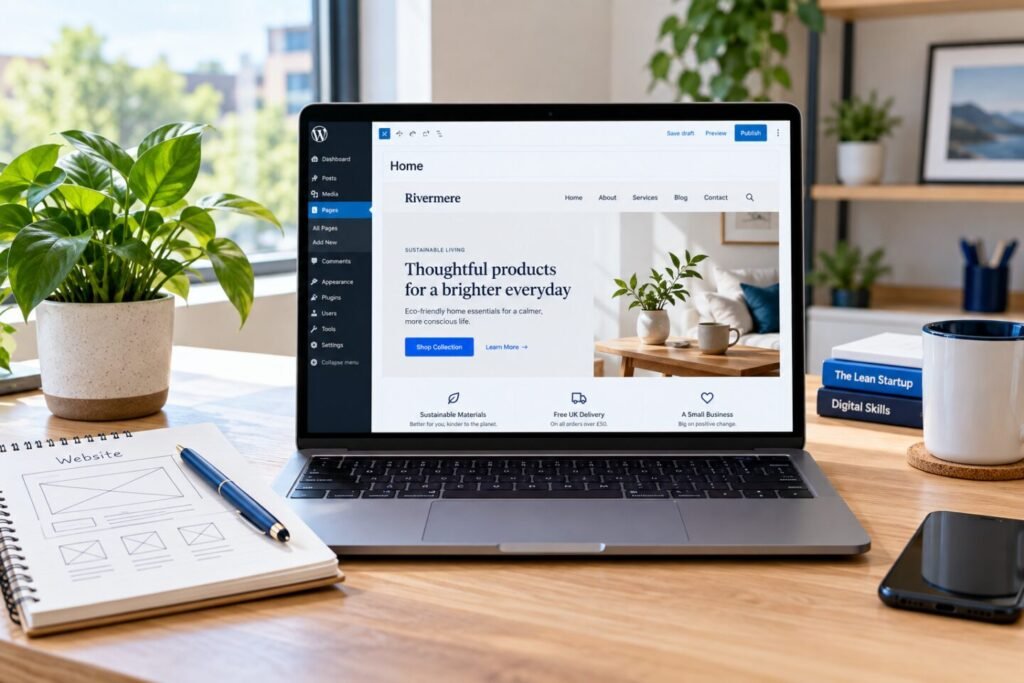
Learning WordPress for beginners becomes easier when you choose a small, clear project. Try a website for a fictional tutor or local repair service. Write down who the site serves and what visitors should do before choosing colours or adding plugins.
Start with a simple website brief
Give your practice business a name and one main service. Describe the intended audience in a sentence. Then choose a useful action, such as reading service details or sending an inquiry. Keep the first project small enough to finish and review.
Prepare a short page list: Home, About, Services and Contact. Write the main message for each page before designing it. This gives you a reason for every section and helps you avoid filling the layout with unrelated content.
Understand pages and posts
WordPress uses pages for content such as contact information and posts for articles. For your first business website, focus on the core pages. Add a blog when you have helpful topics to publish. The official WordPress pages guide explains this distinction.
Practise a repeatable build process
Build one page at a time. Start with the main heading and a short introduction, then add service information and a clear contact option. Use consistent spacing, readable text and meaningful headings. Select images that support the message and describe them accurately with alt text.
WordPress for beginners should include testing as well as design. Review the layout on a narrow screen, open each navigation link and submit a test inquiry using a form you control. Check that the success message appears and that the intended recipient receives it.
Turn the project into a learning record
Save screenshots of the finished pages. Record what you built, which decisions you made and what you would improve next. A short project explanation helps you see your progress more clearly than a screenshot alone.
Explore our website project examples for ideas. The WebNexa Digital course curriculum connects WordPress for beginners with SEO, freelance communication and practical project work. Contact our team for current enrollment information.