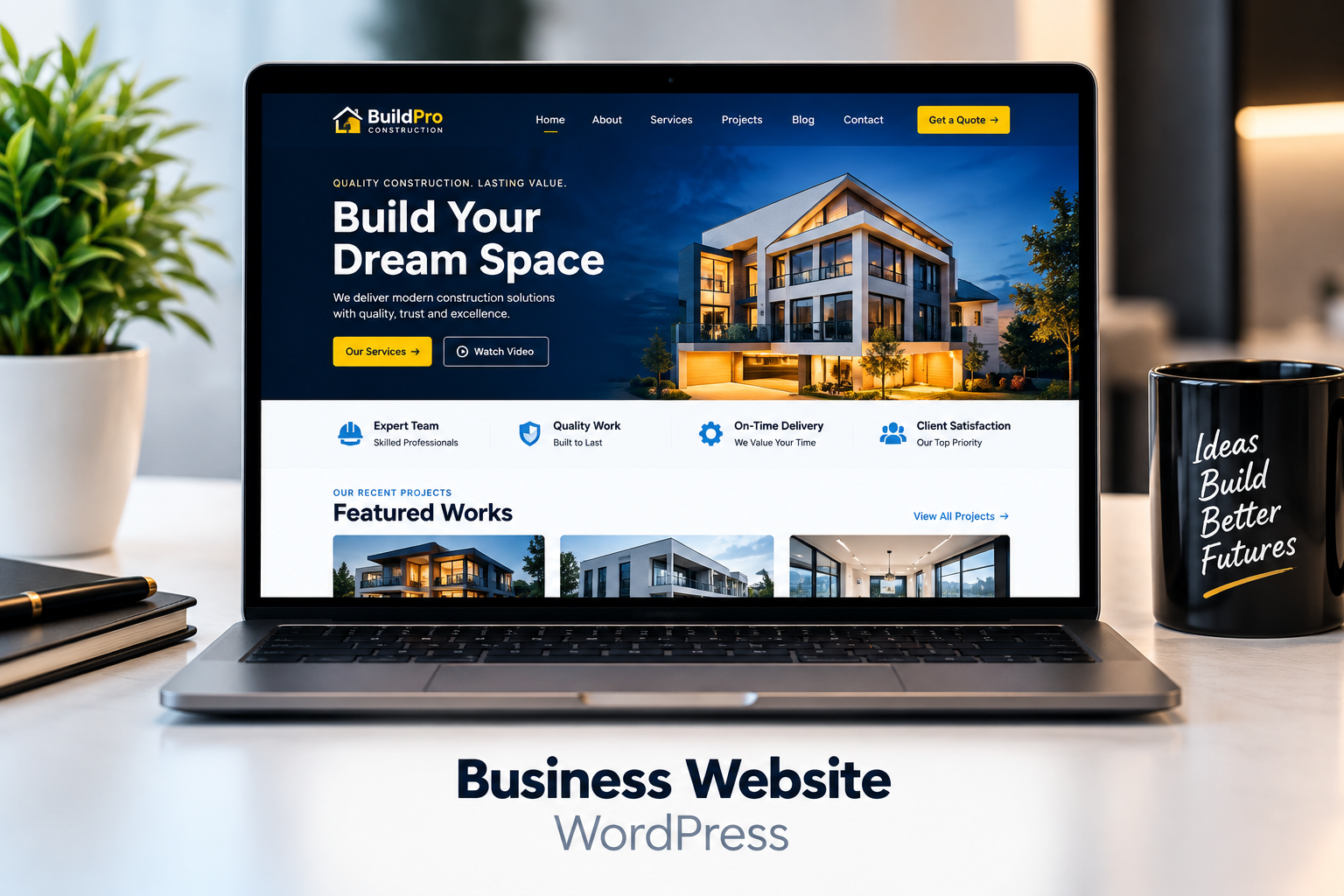
BUSINESS WEBSITE
Modern Construction Company Website
Responsive WordPress design focused on services, credibility and lead generation.
WordPress · Responsive Design

BUSINESS WEBSITE
Responsive WordPress design focused on services, credibility and lead generation.
WordPress · Responsive Design

E-COMMERCE STORE
Clean storefront design with categories, promotions and conversion-focused structure.
WordPress · E-commerce · SEO
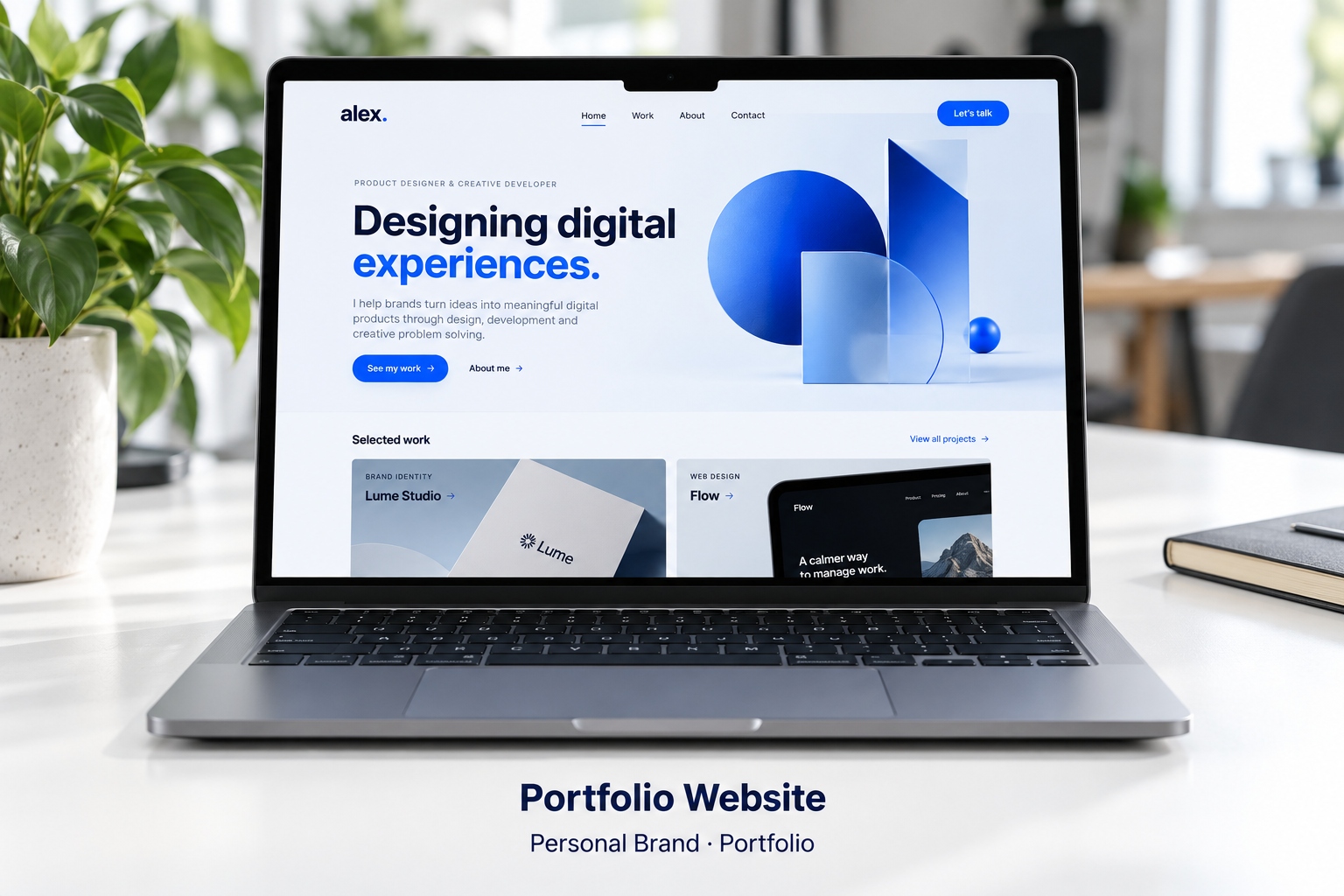
PORTFOLIO WEBSITE · CONCEPT
A clear personal introduction, selected projects and a simple contact path for freelance opportunities.
Personal Brand · Portfolio
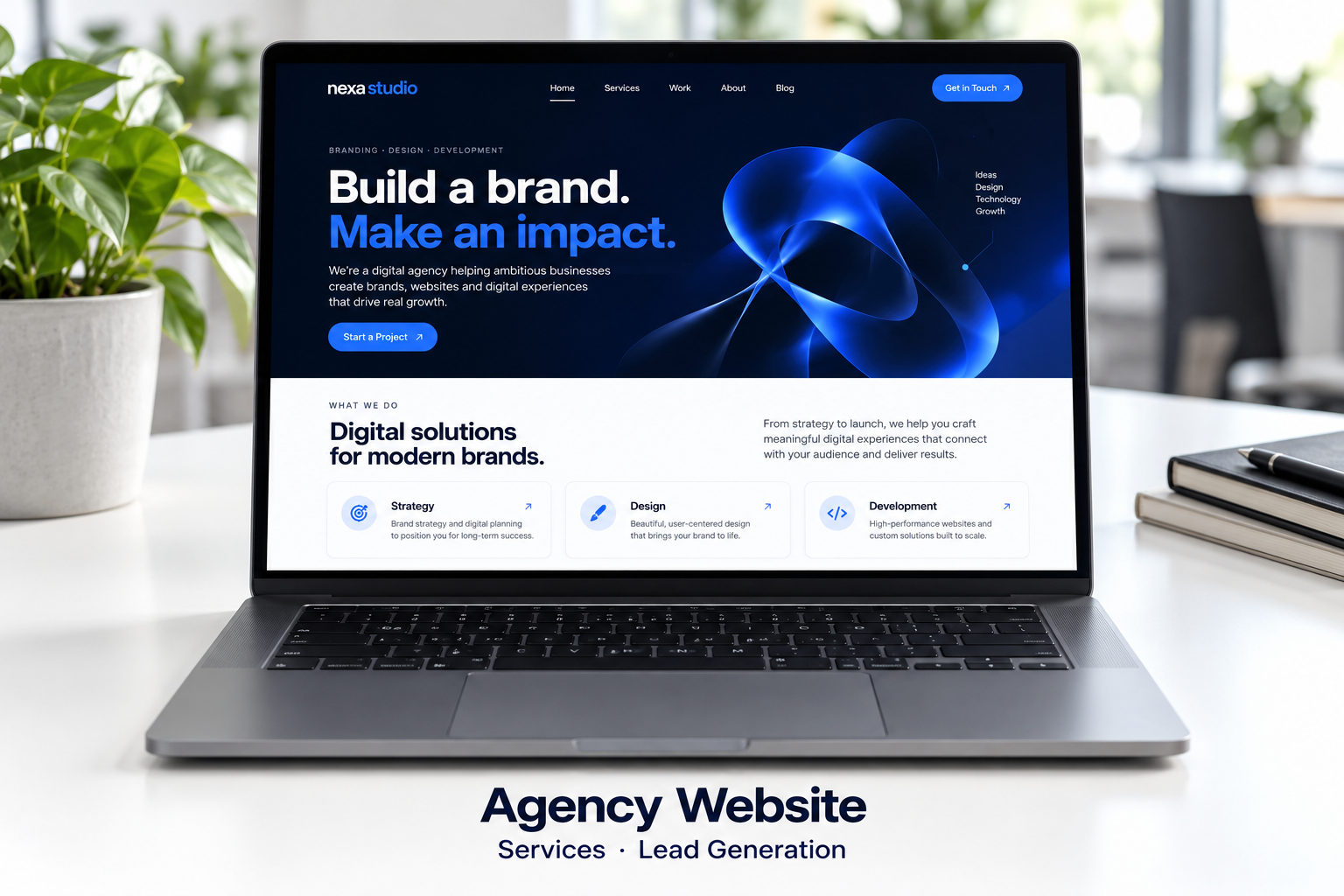
AGENCY WEBSITE · CONCEPT
A focused service presentation with project examples and a clear route to a new client inquiry.
Services · Lead Generation

BLOG WEBSITE · CONCEPT
An editorial homepage with featured articles, topic categories and readable content cards.
Content Design · Blog Structure
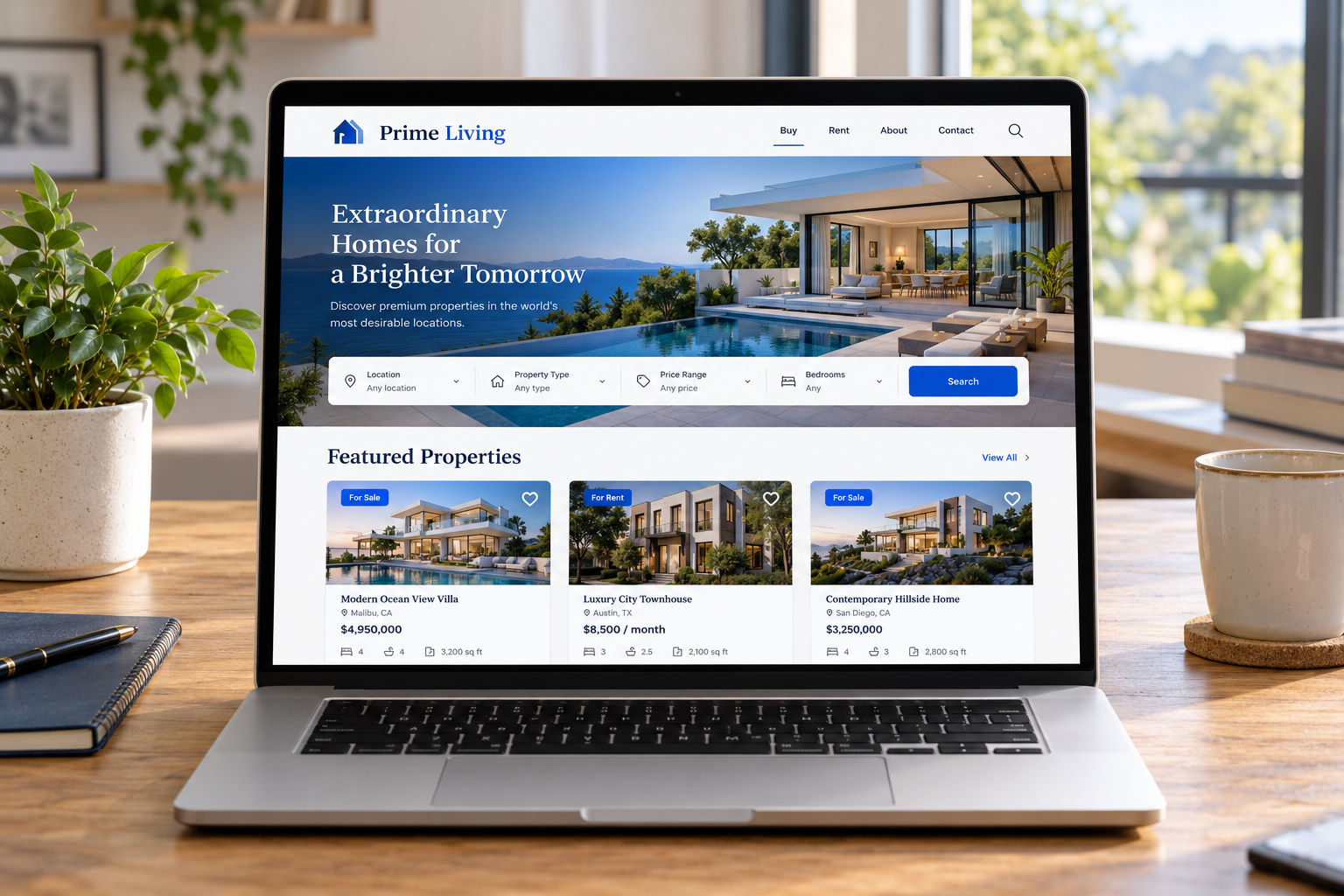
REAL ESTATE WEBSITE · CONCEPT
A property-focused concept with listing cards, a search layout and clear inquiry journeys.
Property Listings · Responsive Design