
Internal Linking for SEO: A Practical Guide for Small Websites
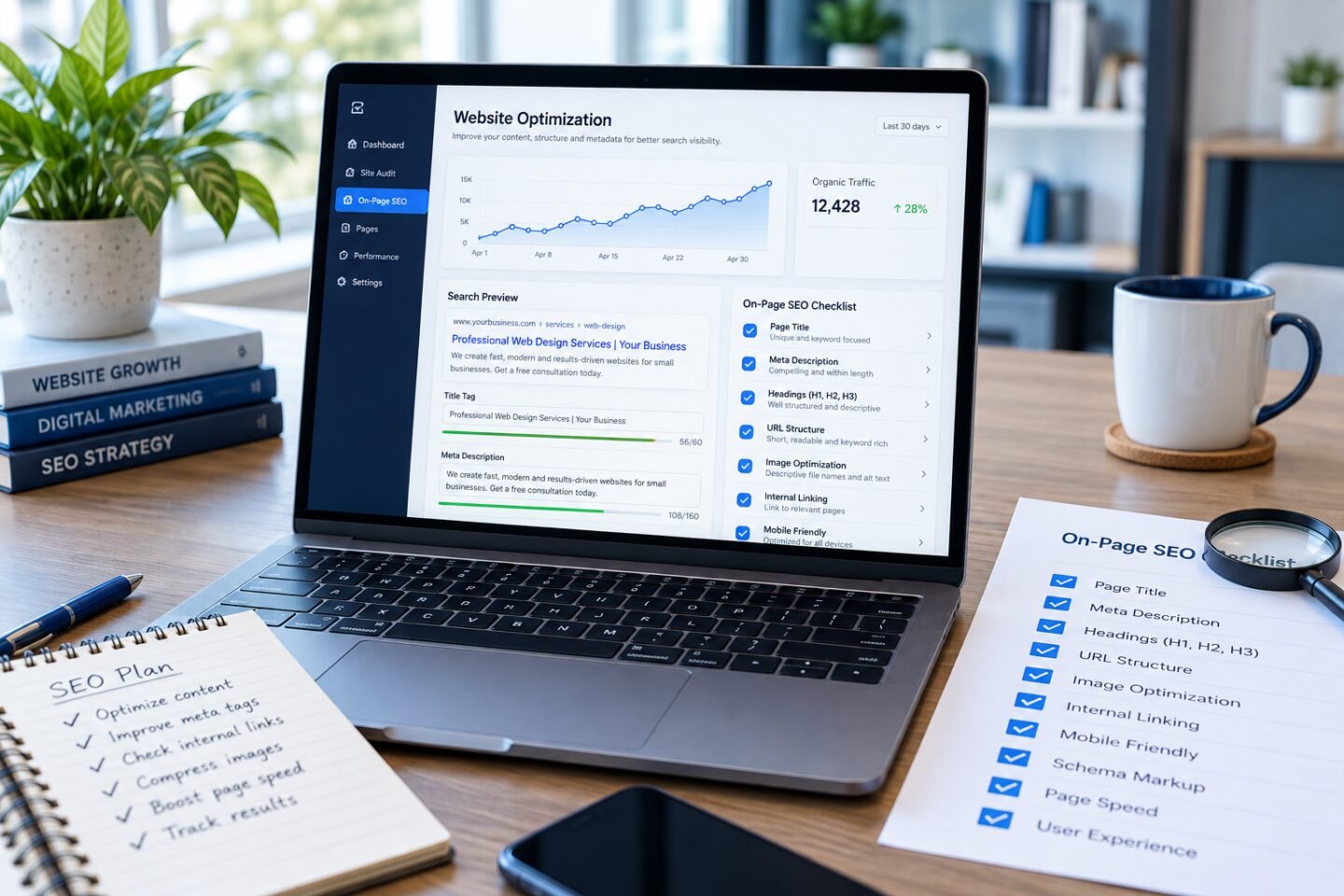
Internal linking for SEO connects one page of your website to another. A useful link helps a reader find related information, understand a topic or take the next step. For a small website, a thoughtful linking plan can make your existing content easier to explore without creating unnecessary new pages.
Start internal linking for SEO with a reader journey
Choose a page that receives enquiries or explains an important service. Ask what a visitor may need before making a decision. They might want a practical example, a guide to preparation or details about the process. Look for existing pages that answer those questions.
For example, a website design article can point to a guide about preparing website content. That connection supports the reader because the second page expands on a task mentioned in the first. A link to an unrelated article would offer less help.
Give each link a clear purpose
Before adding a link, complete this sentence: “This page helps the reader understand…” If you cannot explain the relationship, reconsider the destination. The link should fit the sentence around it and be useful at that point in the article.
Think about three common next steps: learning more, comparing information and taking action. A beginner guide may point to a more detailed explanation. A service page may lead to contact information once the visitor understands the offer.
Write descriptive anchor text
Anchor text is the visible wording of a link. Choose a concise description of the destination. “Website launch checklist” gives the reader more information than “click here”. Keep the wording natural rather than filling it with repeated keywords.
Google recommends relevant, descriptive link text and standard links with a destination URL in its link best practices documentation. Apply that principle to ordinary page links, navigation and linked images.
Connect useful articles with the right service information
A helpful article can explain a problem before a visitor is ready to enquire. Link it to the service or course that addresses the same subject. Explain why the destination is relevant instead of dropping a promotional link into every paragraph.
Our keyword research guide can help you group related content ideas. Once the topics are clear, choose links that connect those ideas rather than linking every article to every other article.
Review older content when you publish something new
New pages need a way for readers to discover them. After publishing an article, review a few related existing pages and identify where the new information would be useful. Add a link only where it improves the explanation.
Keep a small record of the source page, destination and reason for the link. This makes future reviews easier, especially when several people update the website. It also helps you spot articles that have no meaningful route from other pages.
Check destinations and avoid clutter
Open important links on the live website. Confirm that the destination exists, the information matches the link wording and the next step is still relevant. Update links when a page moves or when an older resource no longer answers the question.
There is no need to add a fixed number of links to every paragraph. If the page feels difficult to read, remove links that do not contribute useful context. Readability and relevance should guide your choices.
A simple internal linking checklist
- Identify the reader question behind each link.
- Choose a page that directly supports that question.
- Use clear, natural anchor text.
- Check the destination on the live website.
- Review related older pages after publishing new content.
- Keep navigation focused on the pages visitors need most.
Internal linking for SEO is part of a wider content plan. Read our small business SEO guide for the broader process, or explore the SEO learning module. Start with a handful of relevant connections and improve them as your website grows.