
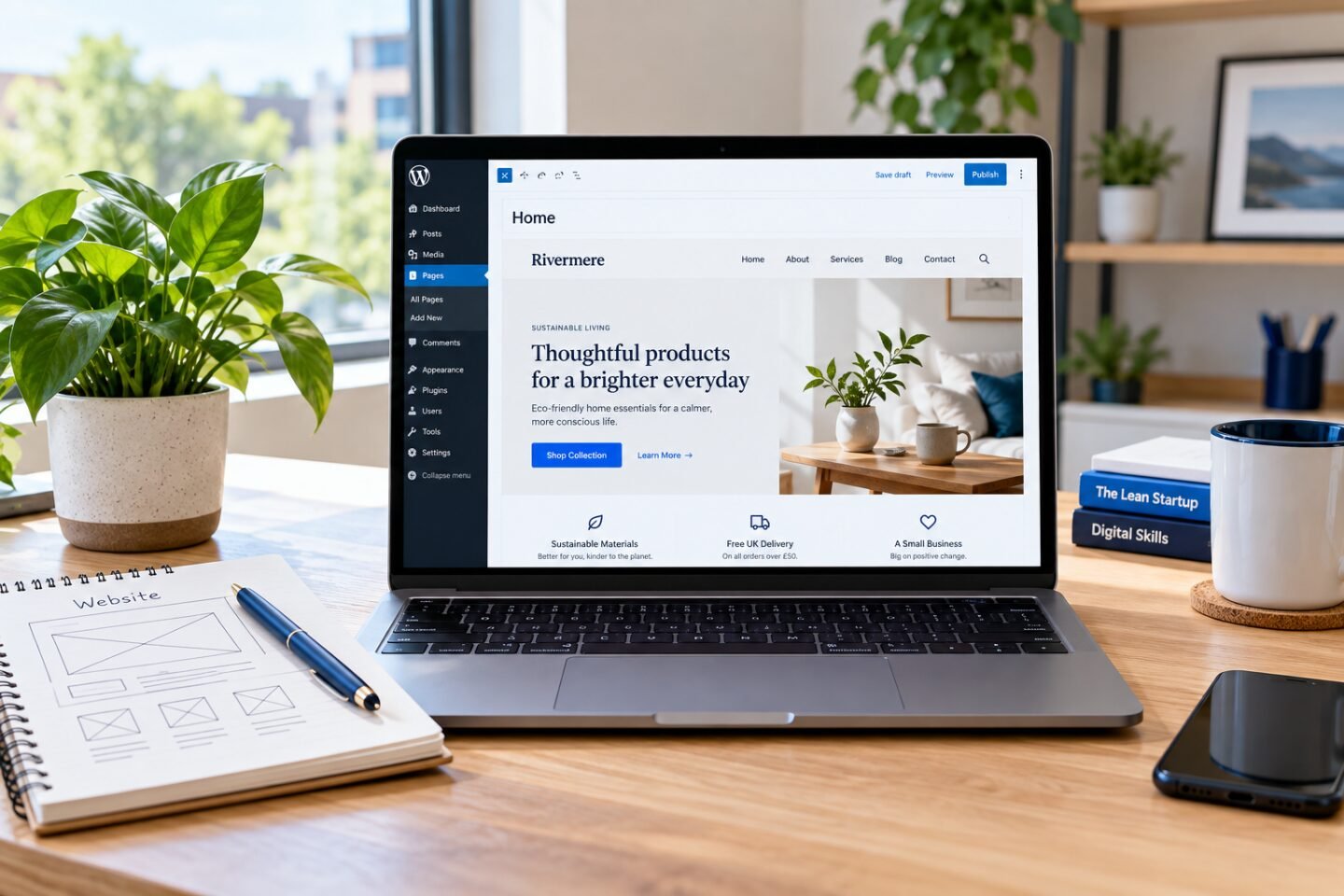
A WordPress maintenance checklist helps you look after a website after launch. Publishing is the start of an ongoing routine: contact details change, pages need improvements and software receives updates. Keep a short record of checks so you know what was reviewed and what still needs attention.
Begin your WordPress maintenance checklist with backups
Before making a significant change, check that you have a recent backup of the website files and database. Confirm where it is stored and how you would restore it. Keeping a backup away from the live website gives you another recovery option if the hosting account becomes unavailable.
For a practice website, rehearse a restore in a separate test environment. A backup you have never checked may be less useful than you expect. The WordPress backup documentation explains the components involved.
Review updates in a controlled order
Check the WordPress dashboard for available core, theme and plugin updates. Read the relevant release information and consider whether the change affects a feature your website depends on. Use a staging environment when available, especially for an online store or a major design change.
After updating, open important pages and repeat the checks for navigation, forms and responsive layouts. Record what changed and whether you found a problem. Avoid treating a successful update message as proof that every part of the website still works.
Test the paths visitors use
Start from the homepage and follow the main call to action. Check menu items, phone links, email links and inquiry forms. Send a clearly labelled test inquiry to an address you control and confirm that it arrives. A form success message alone does not establish inbox delivery.
Review a narrow screen as well as a desktop. Look for text that overflows, buttons that are difficult to tap and images that hide useful information. Our WordPress website development module connects these checks with the build process.
Keep content accurate and useful
Review opening hours, service descriptions and contact information whenever the business changes. Remove or update broken links. Check page titles, headings and image descriptions after editing. Use our on-page SEO checklist to structure that review.
Make the routine manageable
Choose a review frequency that suits how often the website changes. Assign a responsible person and keep a short log with the date, checks and follow-up tasks. Practise this WordPress maintenance checklist on a small project before offering ongoing support. Contact WebNexa Digital for current training information.